Close

/ Onboarding

Onboarding
Step 01

Installation

To install the communication hardware, EV charger, and accessories like pedestals and cable retractors successfully, follow the resources provided below. If you’re using SWTCH ControlTM in this installation, you’ll also find links to important documents and technical forms.


If you purchased the SWTCH charging software kit, jump to the instructions in Step 5 at the bottom of this page. 

1

Communication hardware installation

All SWTCH EVSE installations are connected to our network, enabling us to effectively manage, monitor, and provide assistance for both the chargers and the drivers. Refer to the SWTCH Installation guide that features instructions and diagrams to ensure proper installation.

2

EV charger installation

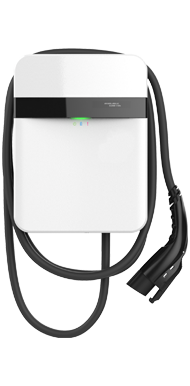
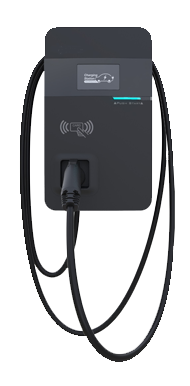
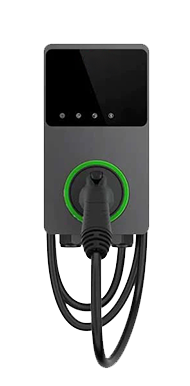
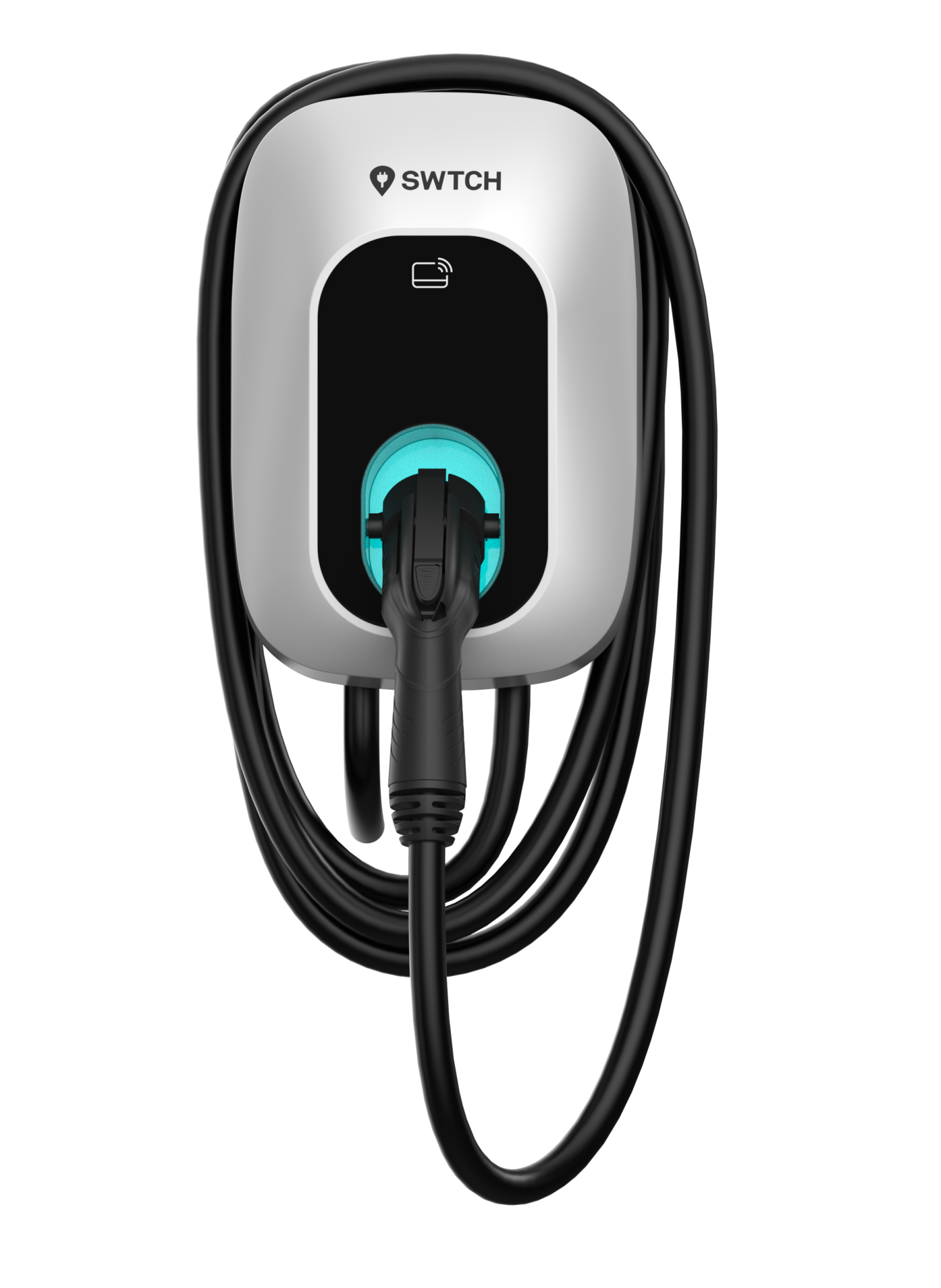
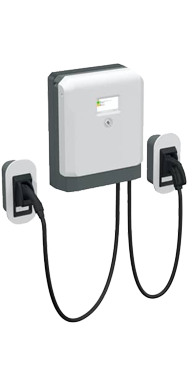
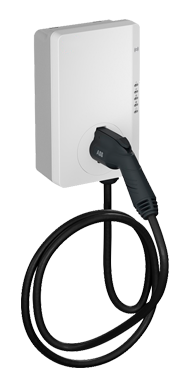
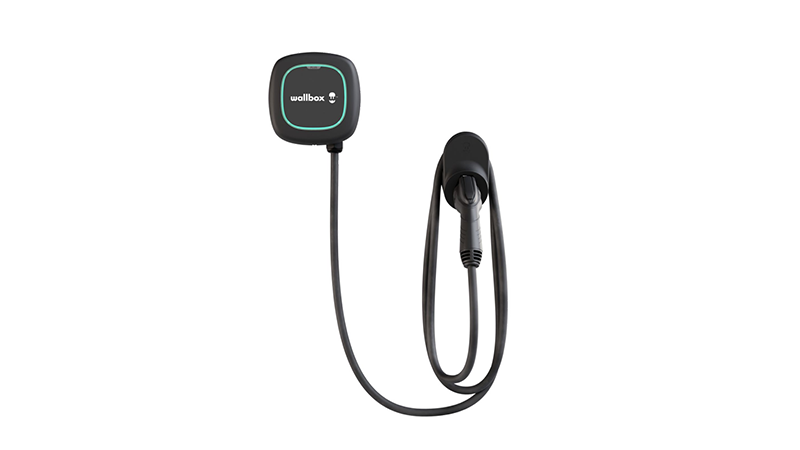
Find your charger’s installation guides and specifications in the list below. If the charger you are installing is not included in this list, get in touch with your SWTCH representative.
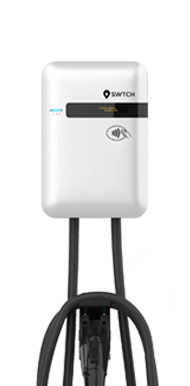
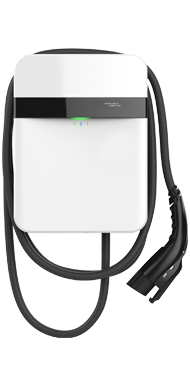
Select your product

LITE-ON 32A

LITE-ON 32A

LITE-ON 40A

LITE-ON 40A

LITE-ON 80A

LITE-ON 80A

Zerova AX48

Zerova AX48

Zerova AX80

Zerova AX80

AUTEL Maxicharger 50A

AUTEL Maxicharger 50A

Jointech EVH006 32/48A

Jointech EVH006 32/48A

ABB Terra Wallbox 24kW

ABB Terra Wallbox 24kW

ABB Terra AC Wallbox 40/80A

ABB Terra AC Wallbox 40/80A

Wallbox Pulsar Pro 48a

Wallbox Pulsar Pro 48a
3

Pedestal and cable retractor installation

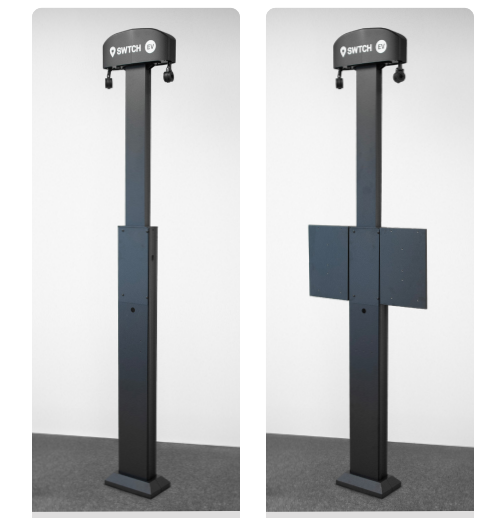
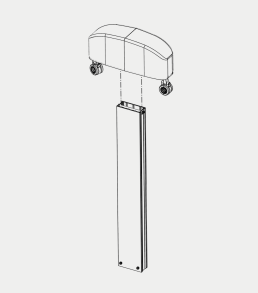
To ensure your pedestal and cable retractor (if applicable) are installed properly, refer to this guide for installation diagrams. For further information about your specific pedestal, cable retractor, or installation please refer to the below documents.  

Select your product

SWTCH Pedestal SPECS

SWTCH Pedestal SPECS

SWTCH Wall Mounted Cable Retractor Specs

SWTCH Wall Mounted Cable Retractor Specs

SWTCH PEDESTAL INSTALL GUIDE

SWTCH PEDESTAL INSTALL GUIDE
4

SWTCH Control (load management) installation

If Load Management (circuit sharing or SWTCH Control) is required, refer to our installation guide for the proper installation and ensure that you complete the SWTCH Control Technical Form.

5

SWTCH Software Kit Setup

If you purchased the stand-alone SWTCH charging software kit from a distributor, you can find instructions to configure, install, and commission your chargers in this section, otherwise proceed to Step 2: Commissioning (link below)
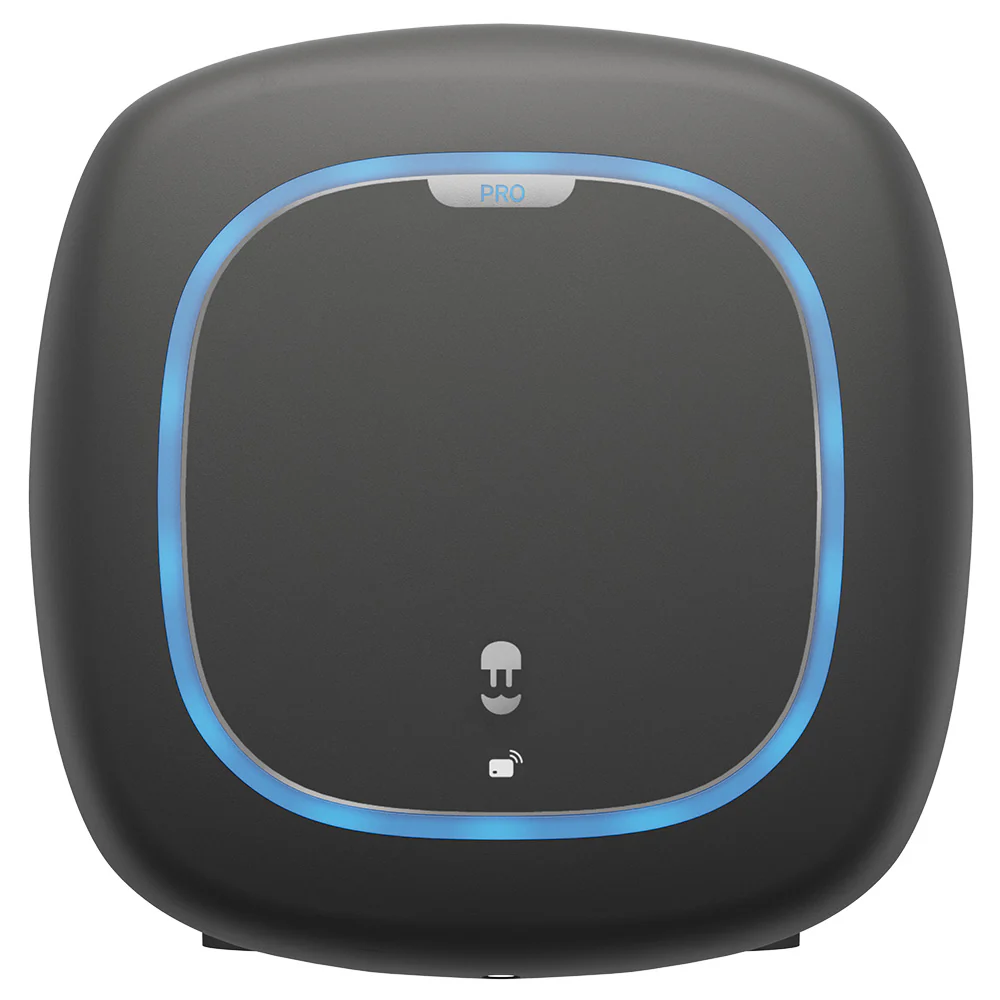
Select your product

Wallbox Pulsar Pro

Wallbox Pulsar Pro

AUTEL Maxicharger 50A

AUTEL Maxicharger 50A
Read more

Next step

Step 2 - Commissioning

Next step Step 2 - Commissioning

In need of assistance?

Have ways to make this process more delightful? Please drop us a quick note letting us know how this could be made better.

Read more

Consult our frequently asked questions.

FAQ'S

Consult our frequently asked questions.

FAQ'S
Read more

1-844-798-2438

Call us

1-844-798-2438

Call us
Read more

We’ll respond within 1 business day.

Email us

We’ll respond within 1 business day.

Email us